
How I Use Vibe Coding to Build Tools for Creators
Inside my creative build process, from prompt to product

If you’ve been reading my Substack over the past few months, you know I’ve been in a serious build era.
But what’s made it different this time is not just what I’m building, it’s how.
This post is about the method behind the madness, the workflow I now use for almost everything I create and the reason I’m moving faster than I ever have without compromise.
It’s called vibe coding.
{
  "tldr": "I'm building tools for creators using a method called vibe coding. A creative, intuitive, AI-supported approach to development that’s changing how I bring ideas to life."
}
What is vibe coding?
Vibe coding is a new approach to development that prioritizes creativity, speed, and intuition with AI as your co-pilot.
The term was coined by Andrej Karpathy and reflects a shift in how we build software. Instead of writing every line of code manually, you use AI to translate intention into output. You start messy. You prototype fast. You refine as you go.
Think of it like this: you tell the AI what you want, in natural language, and it generates the skeleton. Then you work together to refine, improve, and style it into something that feels like you.
It’s collaborative and iterative, although I won’t lie, being able to code makes the process a lot more efficient.
How I use vibe coding to build for creators
Everything I’ve been building lately, from our Creator Pricing Calculator to internal tools we’re prototyping, has been built using vibe coding.
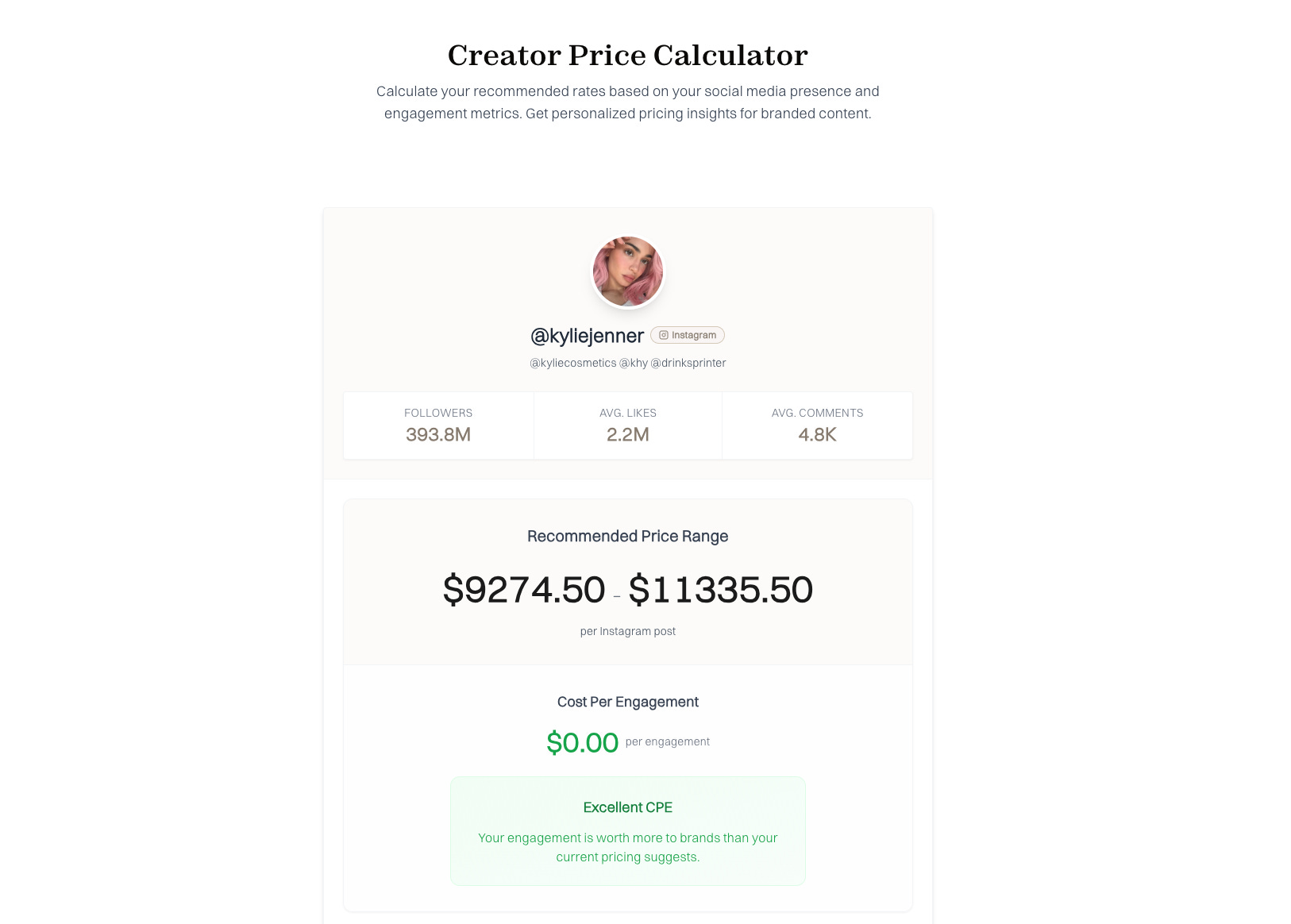
Here’s what my process looks like:
Start with the vision
I write out exactly what I want. Sometimes it’s technical. Sometimes it’s a vibe.
I might say: “Create a clean, minimal layout that feels editorial but can scale into a dynamic dashboard.”
Then I ask the AI to repeat it back to me in its own words so I know it understands.Collaborate in blocks
I let it generate the first version. It’s never perfect but a solid start.
From there, I break it down into blocks. Each block has a clear purpose. That way, I can edit and improve without having to rebuild the whole thing every time.QA the work in real-time
This part is key.
Before the AI executes a big chunk of logic, I ask it to explain what it’s about to do and why.
Then I ask it to check its own work. I’ll say things like:
“What errors could this code trigger?”
“Is there a cleaner way to write this?”
“Explain the logic behind each function before you run it.”
This helps me stay in control of the outcome without micromanaging the process. It’s like building with a junior dev who’s fast but still needs feedback and I enjoy guiding it. Sometimes anyway. Other times I have to take a break so I can reframe my prompts otherwise we can go around in circles.
Refine through dialogue
I adjust the prompts. I ask for styling tweaks, or to swap a method out for something more lightweight.
I treat the entire session like a conversation. That keeps it flexible. That’s where the vibe comes in.
Why this matters for creators
I’ve spoken a lot about the idea of the creator tech stack; the tools creators actually need to grow and monetize in today’s environment.
But there’s no one-size-fits-all answer. The stack has to adapt to where creators are now and where they’re going.
Vibe coding has let me move quickly enough to build both:
The tools that help them right now (like the calculator)
And the more advanced systems we’re planing on launching next
I’m not waiting for perfection. I’m building from instinct, testing, refining, and evolving the tools in real-time.
That’s what makes vibe coding so powerful. It unlocks speed.
Where this is heading
I’m in the process of expanding our creator toolset; planning, building, and testing all powered by this vibe-first methodology.
I’ll continue to share, including screenshots and maybe even a few prompts if you want to try vibe coding for yourself.
The goal is to build beautiful tools with utility, helping creators feel more confident and in control of their businesses.
Chloé x
Just a girl building cool things with AI